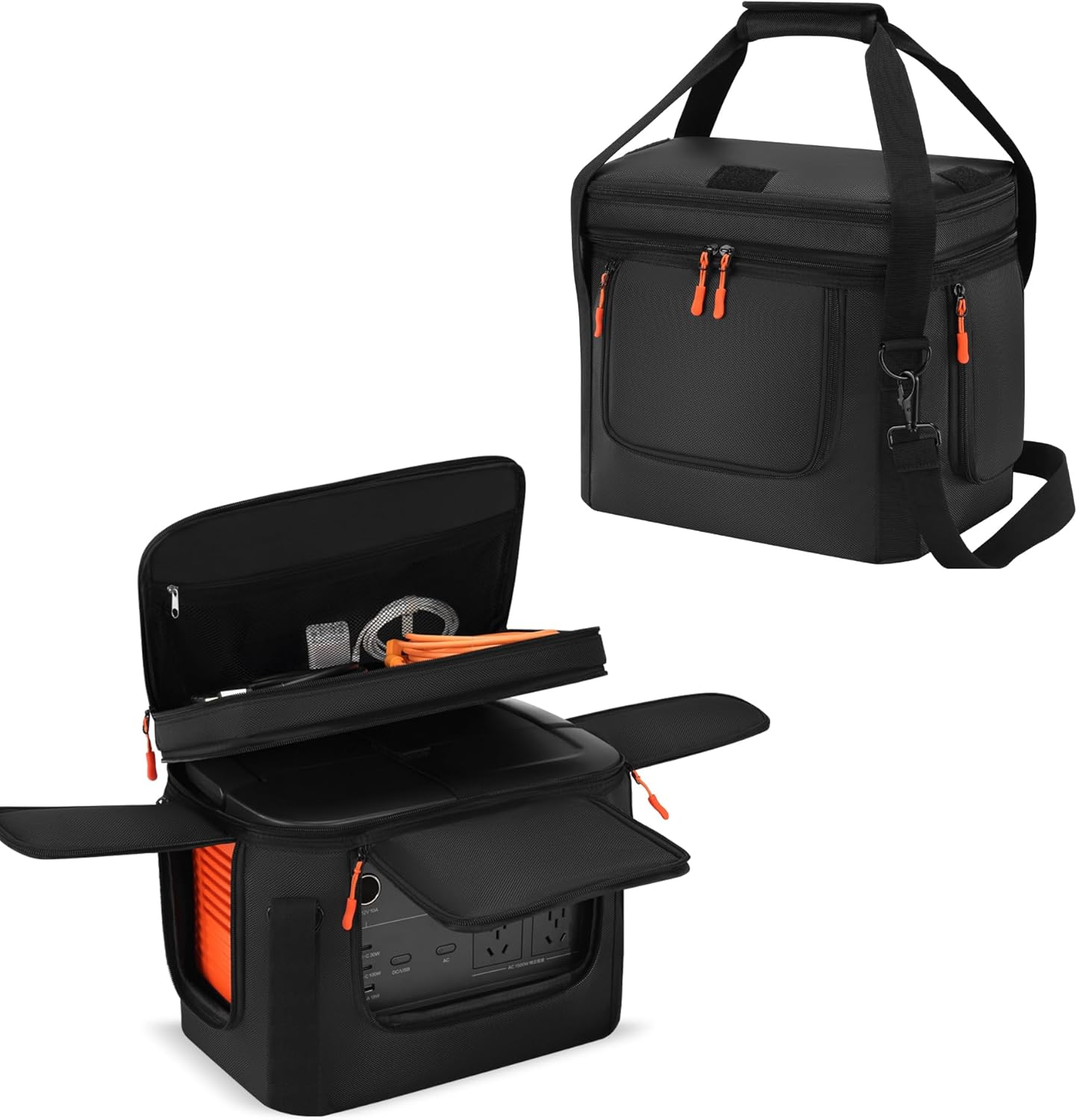
In today’s fast-paced world, every laptop user needs efficiency, whether at work, school, or on the go. The KYY Laptop Screen Extender offers a solution by providing an additional 15.6″ portable monitor that enhances productivity without the hassle of multiple cables. Designed for travel, it fits conveniently in a notebook bag, making it perfect for both professionals and students.
This review will explore the KYY Laptop Screen Extender, highlighting its specs, key features, and what real users say about its performance. With a user rating of 4 out of 5 stars, it promises great quality at an affordable price. Let’s dive into the specifics to see if this product is the right fit for you.
Quick Verdict
- Best for: Professionals needing portability
- Not for: Users with limited USB-C ports
- Standout: Crisp 1080p display
- Main limitation: Connectivity issues for some laptops
KYY Laptop Screen Extender Specs at a Glance
| Screen Size | 15.6 inches |
| Resolution | 1920 x 1080 pixels (FHD) |
| Aspect Ratio | 16:9 |
| Brightness | 300 cd/m² |
| Viewing Angle | 178 degrees |
| Weight | 2.3 lbs |
KYY Laptop Screen Extender Review: Key Features That Matter
Larger, High-Definition Screen
The 15.6″ screen offers a Full HD (1080p) resolution, ensuring that text and images are sharp and clear. This feature is essential for professionals who need precision and clarity while multitasking or in presentations.
Easy One-Cable Connection
Setting up the monitor is a breeze with a simple single USB-C connection that transfers video and power simultaneously. This means less clutter on your workspace and a quicker setup time.

Durable and Lightweight Design
Constructed from aluminum alloy, the KYY Laptop Screen Extender is both lightweight and sturdy, making it perfect for travel. Its sleek design allows it to fit easily alongside your laptop in a standard bag.
Versatile Compatibility
This monitor supports multiple operating systems, including Windows, macOS, and Android, which means it can be used with a variety of laptops and devices. It’s ideal for anyone who works across different platforms.
Real-world Use of the KYY Laptop Screen Extender
Users commonly report that the KYY Laptop Screen Extender enhances their productivity during work sessions. Whether at home, in coffee shops, or in meeting rooms, the extra screen space supports more effective multitasking, allowing individuals to have documents, spreadsheets, and presentations all visible at once. This versatility is a key benefit for professionals who are often on the move.
Users also appreciate the monitor’s portability. Weighing less than 3 pounds, it can easily be packed into a laptop bag and carried to various locations. By enhancing their workspace, users find they can accomplish tasks more efficiently, making the KYY screen extender a valuable addition to their tech arsenal.
What Buyers Say About the KYY Laptop Screen Extender
Customer feedback has largely praised the quality of the KYY Laptop Screen Extender. Many claim that the 1080p display is sharp and bright, making it easy to work even in various lighting conditions. Users also highlight that it is compact and fits well inside their bags, making it great for travel.
However, some users face connectivity challenges with certain laptops, reporting issues with compatibility. While most have had a smooth experience with the one-cable setup, a few have experienced inconsistent connections. Overall, with a star rating of 4 out of 5, the product has satisfied most buyers.
KYY Laptop Screen Extender Pros and Cons
| ✓ Pros | ✗ Cons |
|---|---|
| High-quality 1080p display | Connection issues for some laptops |
| Lightweight and portable | Requires compatible USB-C port |
| Easy one-cable setup | Some users find it a bit heavy |
| Versatile cross-platform compatibility | Mixed reviews on battery efficiency |
The primary trade-off with the KYY Laptop Screen Extender lies in its mixed connectivity reviews. While many users find it easy to connect, a small percentage report challenges, especially with older laptops that may not support the necessary USB-C ports.
Who Should Buy the KYY Laptop Screen Extender (and Who Should Skip It)
Buy it if: You frequently work on the go and require a portable second screen to improve your multitasking capabilities. Professionals who rely on clear displays for presentations or data analysis will find the KYY Laptop Screen Extender invaluable.
Skip it if: You’re using an older laptop without USB-C ports, as connectivity issues may arise. Additionally, if you prefer a very lightweight travel option without a second screen, this monitor may not meet your needs.
What to Check Before You Buy
- USB-C Compatibility: Ensure your laptop has a USB-C port supporting video output.
- Weight Considerations: Consider if the weight aligns with your travel needs.
- Usage Environment: Check if the screen suits your usual work conditions.
- Driver Installation: Verify if you have permission to install necessary drivers.
- Test the connection: Before committing, ensure compatibility with your laptop.
- Use a protective case: To prevent scratches and damage during travel.
- Check for updates: Look for any software updates for the drivers that could improve functionality.
Final Verdict: Is the KYY Laptop Screen Extender Worth It?
The KYY Laptop Screen Extender delivers a solid performance with its sleek design and high-definition display, making it a great addition for anyone in need of enhanced productivity. Its portability, coupled with a straightforward setup, positions it as a favorable choice for professionals and students alike. Overall, if you’re searching for a portable AC outlet battery solution that boosts your efficiency, this product is definitely worth considering.
KYY Laptop Screen Extender FAQs
Can the KYY Laptop Screen Extender work with all laptops?
It is compatible with most laptops that have USB-C ports supporting video output, but some older models may not work.
What is the weight of the KYY Laptop Screen Extender?
The monitor weighs approximately 2.3 lbs, making it relatively lightweight for travel.
Is there any installation required for this monitor?
Yes, installation of drivers may be needed for optimal performance, so ensure your laptop allows this.
Does the monitor come with a warranty?
Yes, the KYY Laptop Screen Extender comes with a 12-month warranty.